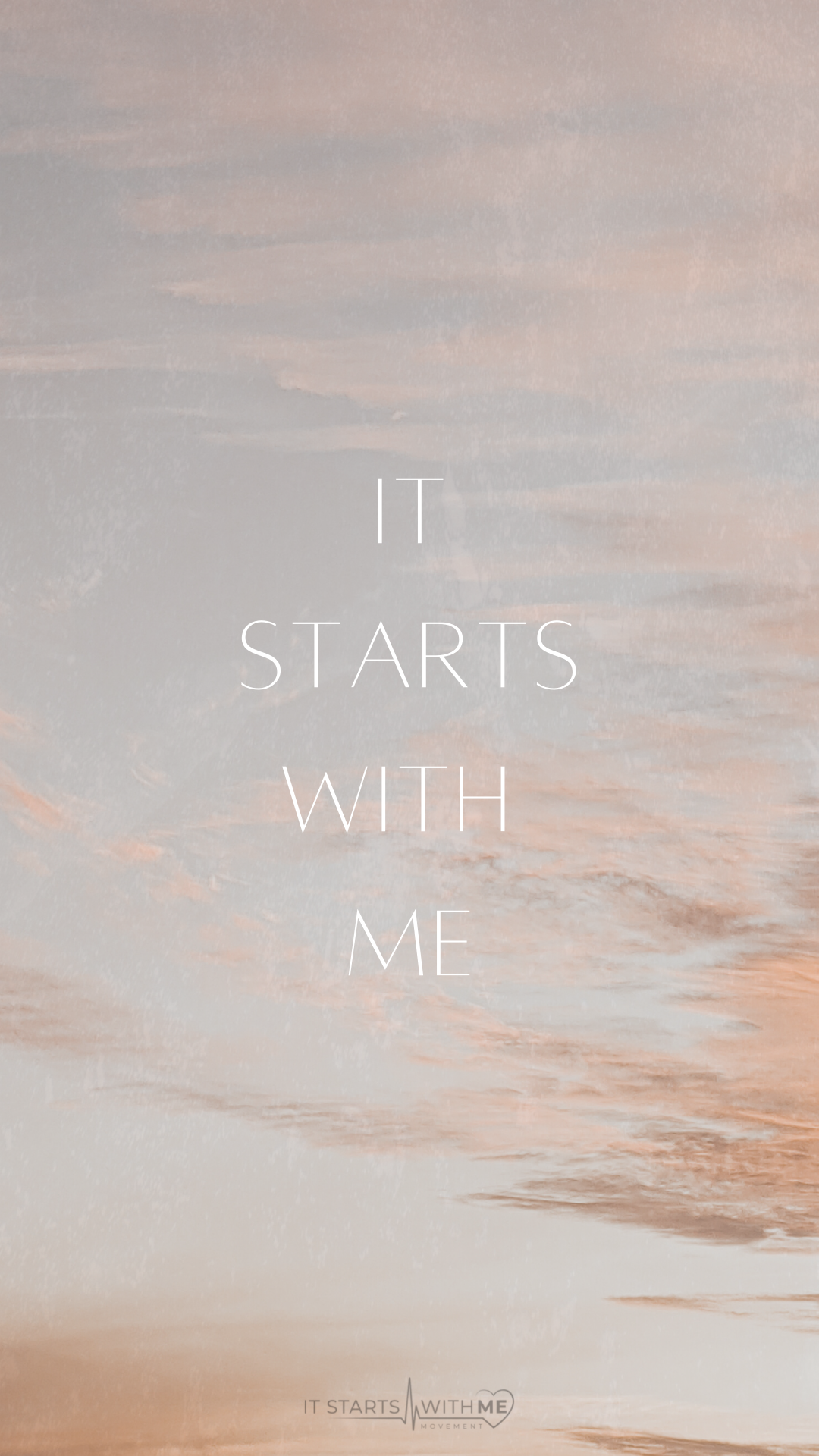
Pick your favorite design, download and enjoy!
For Iphone: Hold on the design you want to download until a menu pops up. Choose "Add to Photos" and the design will appear in you photos app. From there, just go into Settings and update your wallpaper!
For Android: Hold on the design you want to download until a menu pops up. Choose "Download" and the design will appear in your downloads. If the menu doesn't pop up, try opening the link in a browser app(Chrome, Safari, DuckDuckGo). Update your wallpaper from there!